
One-tap quote from notes and photos
- CostTrak
- Yes
- Spreadsheets
- No
- Paper / Notebooks
- No
- Accounting Software
- No
- Large Construction Platforms
- Some
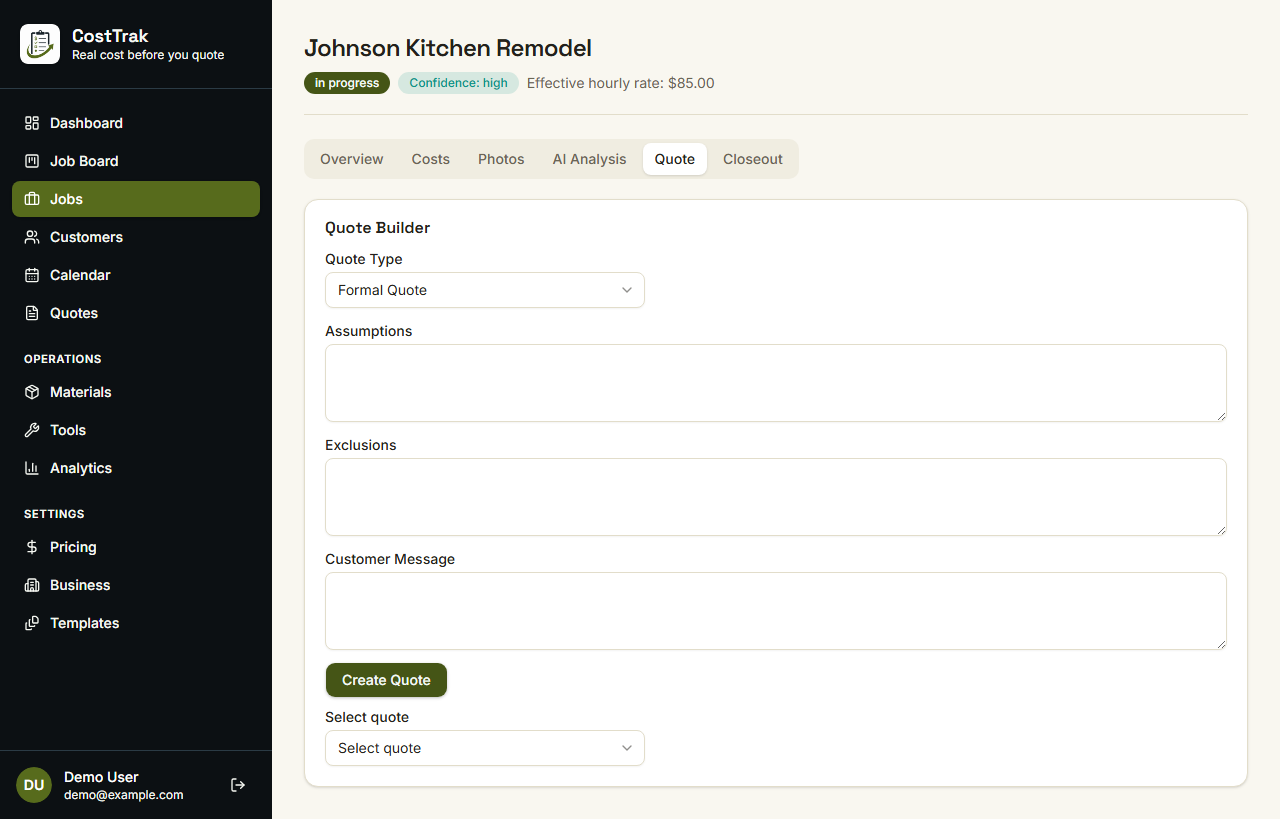
Write the notes from the walkthrough, add a couple photos, tap Quick Bid, and review a priced quote.
Works on the web and on iPhone and Android, in beta.
CostTrak prices it from the notes and photos you already have.
Tap Quick Bid, check the numbers, share the PDF, then invoice from the same job.
Tap once and get a priced quote from the job you just entered.
It pulls room sizes out of your notes and uses your photos when you attach them.
Uses your rates, or typical rates for your area if you haven't set them.
Charge for the work and leave homeowner-bought material off the total.
Preview the PDF, edit the message, and see what is still missing.
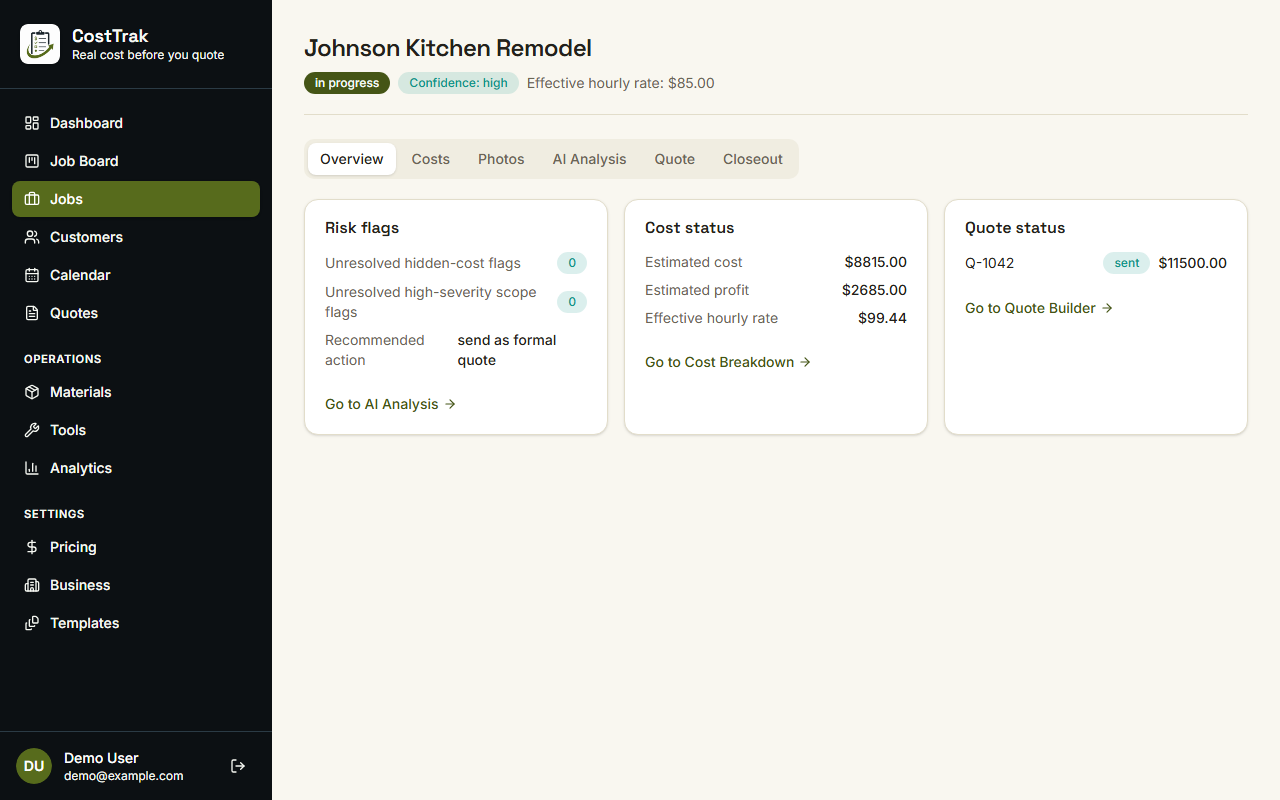
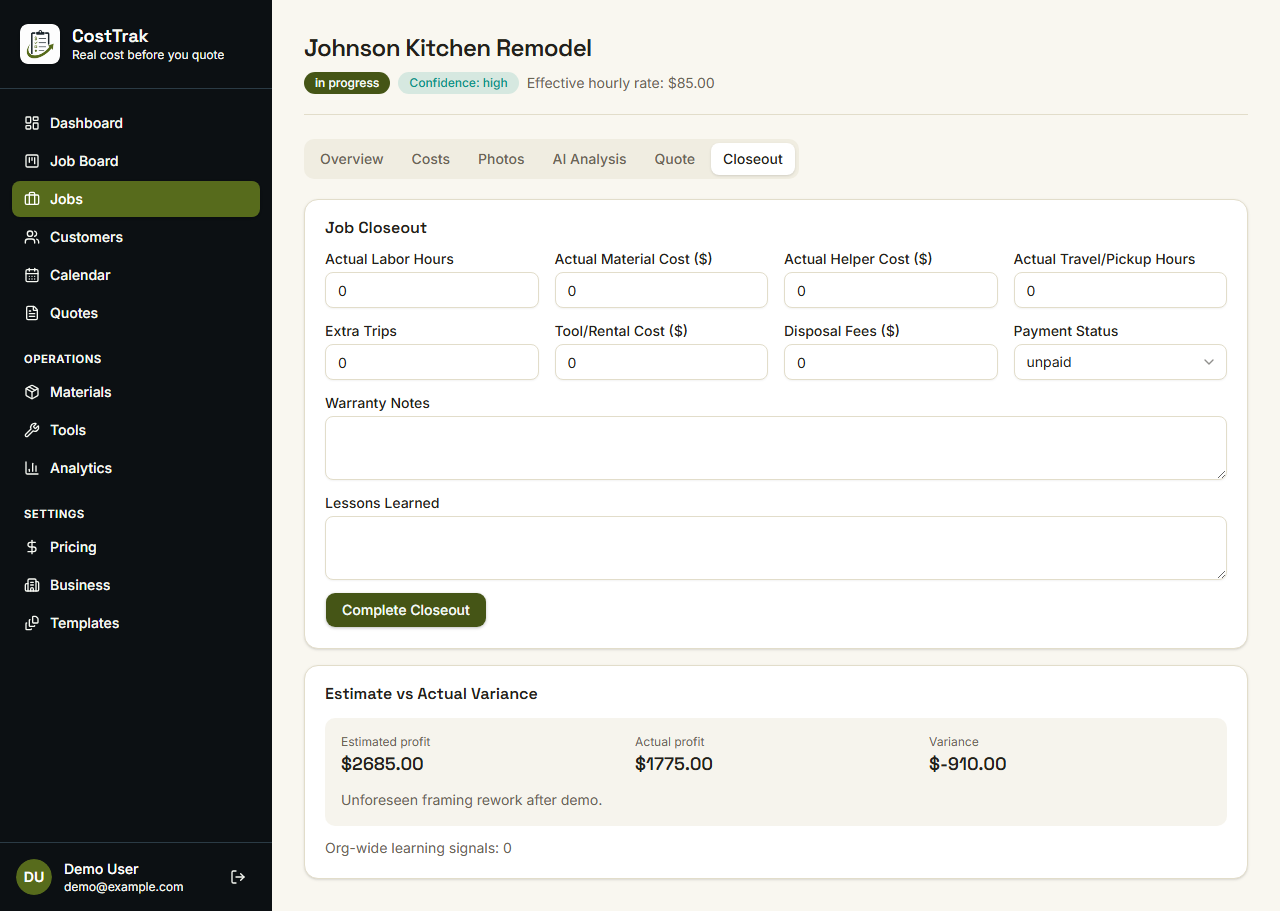
The quote, what has been spent, and what you actually made.
| Capability | CostTrak | Spreadsheets | Paper / Notebooks | Accounting Software | Large Construction Platforms |
|---|---|---|---|---|---|
| One-tap quote from notes and photos | Yes | No | No | No | Some |
| Labor-only quotes (homeowner materials) | Yes | Manual | Manual | No | Some |
| Per-job cost tracking | Yes | Manual | Manual | Limited | Yes |
| Estimate vs. actual comparison | Yes | Manual | No | Limited | Yes |
| Built for solo & small crews | Yes | Yes | Yes | Yes | No |
| Setup time | Low | Low | None | Medium | High |
| General ledger & payroll | No | No | No | Yes | Some |
| Full project management & scheduling suite | No | No | No | No | Yes |
CostTrak is quoting and job-costing software for small remodeling contractors and handymen. Write the notes, add photos, tap Quick Bid, and review a priced quote. Then share a PDF, invoice, and compare what you estimated versus what you made.
Remodelers and handymen who still quote from notes, texts, or a spreadsheet.
Quick Bid prices the quote from the notes, photos, measurements, and extras you already entered. Uses your rates, or typical rates for your area if you haven't set them. You check the draft, then share the PDF.
Yes. Find measurements in notes pulls room sizes out of what you typed, like a 13 by 20 bedroom. If you also wrote a total square footage, it uses that to check the math, not as another room.
Yes. It prices the install and extras. Material the homeowner bought stays off the total and is not marked up.
No. It quotes the job and tracks that job's costs. Keep QuickBooks or whatever you use for books, payroll, and taxes.
No. It does not do bookkeeping, payroll, or tax filing.
Yes. After the work starts you can log purchases and labor, then see estimate versus actual when you close the job.
Quotes and invoices can be exported as PDF today. Broader account data export (CSV/JSON) is planned but not yet available. See the Contractor Beta page for the current status.
Yes. There is a web app plus iPhone and Android apps, in beta.
The CostTrak contractor beta is currently free. Pricing for the full release has not yet been finalized.
Yes, the current contractor beta is free to use.
Data is stored in a managed database, sent over HTTPS, and locked to your company account. See the Security page for details.
Email support@corelogyx.com from the Contact page, or use the feedback field on the Contractor Beta form.
You can delete your account at costtrak.com/account/delete. We deactivate it right away and permanently remove it after 30 days. Email support@corelogyx.com in that window if you want it back.
Create a free account and run Quick Bid on the last walkthrough you did.